
Work Hours Tracker
Track Your Work Hours, Shifts, and Time Card — All in One App
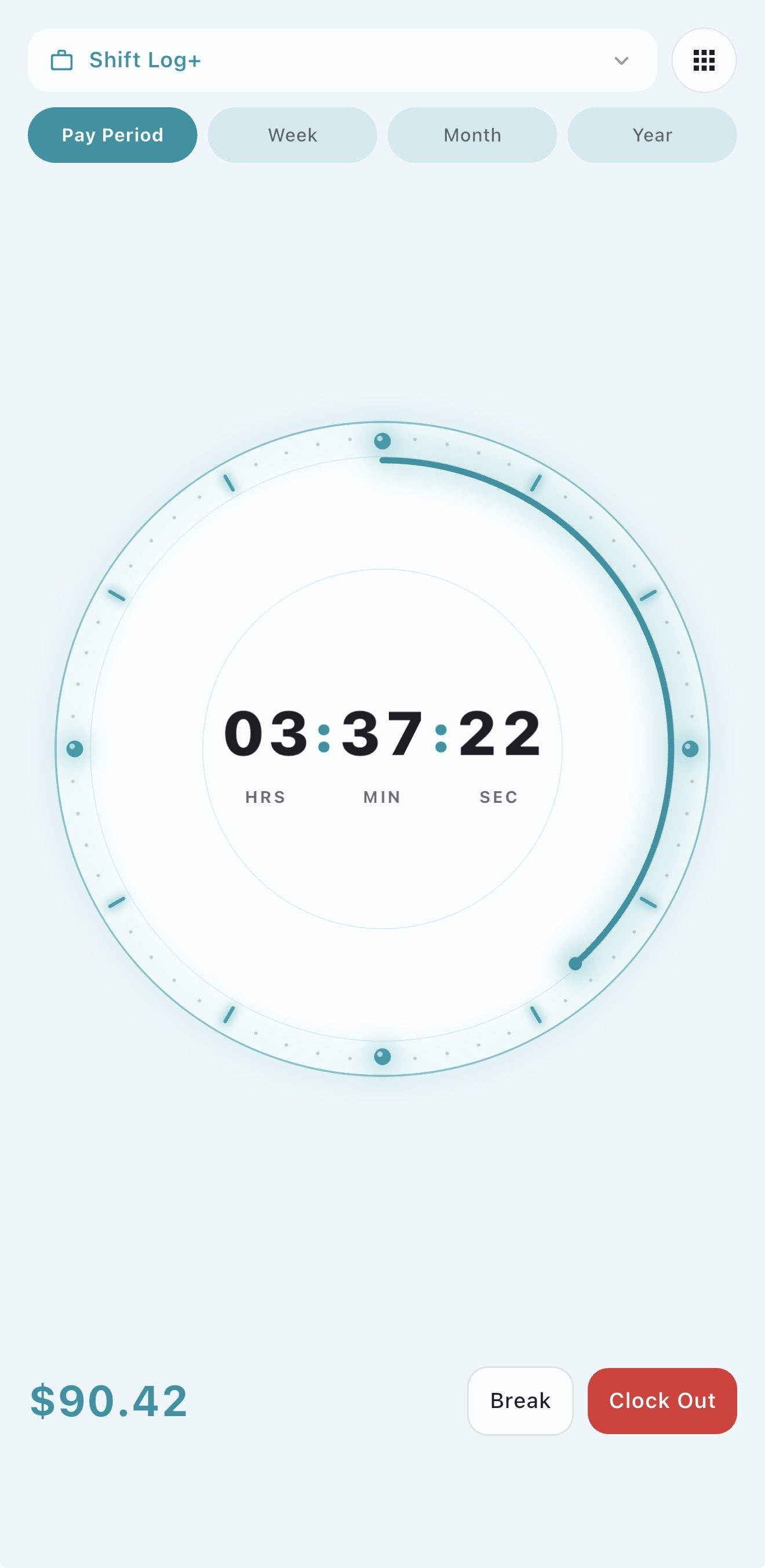
Clock in and out in seconds. Shift Log+ keeps a complete record of every hour you work — shifts, breaks, time card totals, and exactly what you earned.
Your weekly total
Uses a simple 40-hour weekly overtime threshold.
Work Hours Tracker Questions
Quick answers before you start tracking your shifts in the app.
What is a work hours tracker?
A work hours tracker records the time you work each day, including shifts, breaks, and totals for the week or pay period.
Can I use this page to track hours permanently?
The website preview is for quick estimates only. Shift Log+ saves your shift history, pay periods, overtime rules, deductions, and reports in the app.
Does Shift Log+ work offline?
Yes. Shift Log+ is built to track shifts and pay even when you do not have internet access.
Track Work Hours
Tap to start your shift and tap again when you're done. Shift Log+ records exact time in and out, tracks your breaks, and stores everything in your shift history.
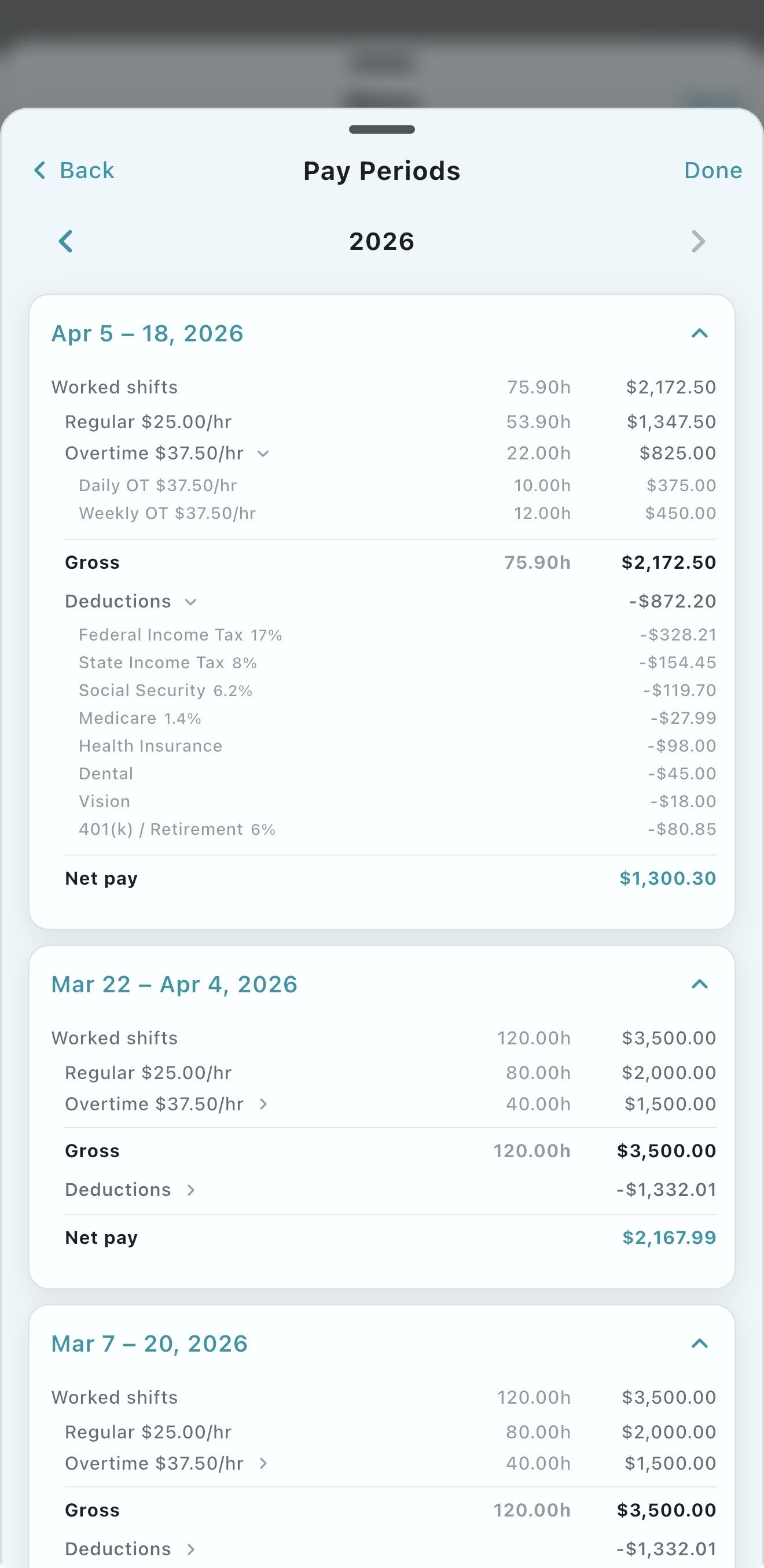
Example: You worked 6 days this week. Open the app and see a complete breakdown — every shift, total hours, regular vs overtime, and how much you've earned so far this pay period.
Calculate Total Hours — Your Time Card, Always Up to Date
Every time you clock out, Shift Log+ adds your hours to your running total for the pay period. No more adding up your time card by hand.
Example: It's Wednesday and you've worked 28 hours so far. Shift Log+ shows you have 12 hours left before you hit 40 and go into overtime — so you can plan your remaining shifts accordingly.
Manage Shifts
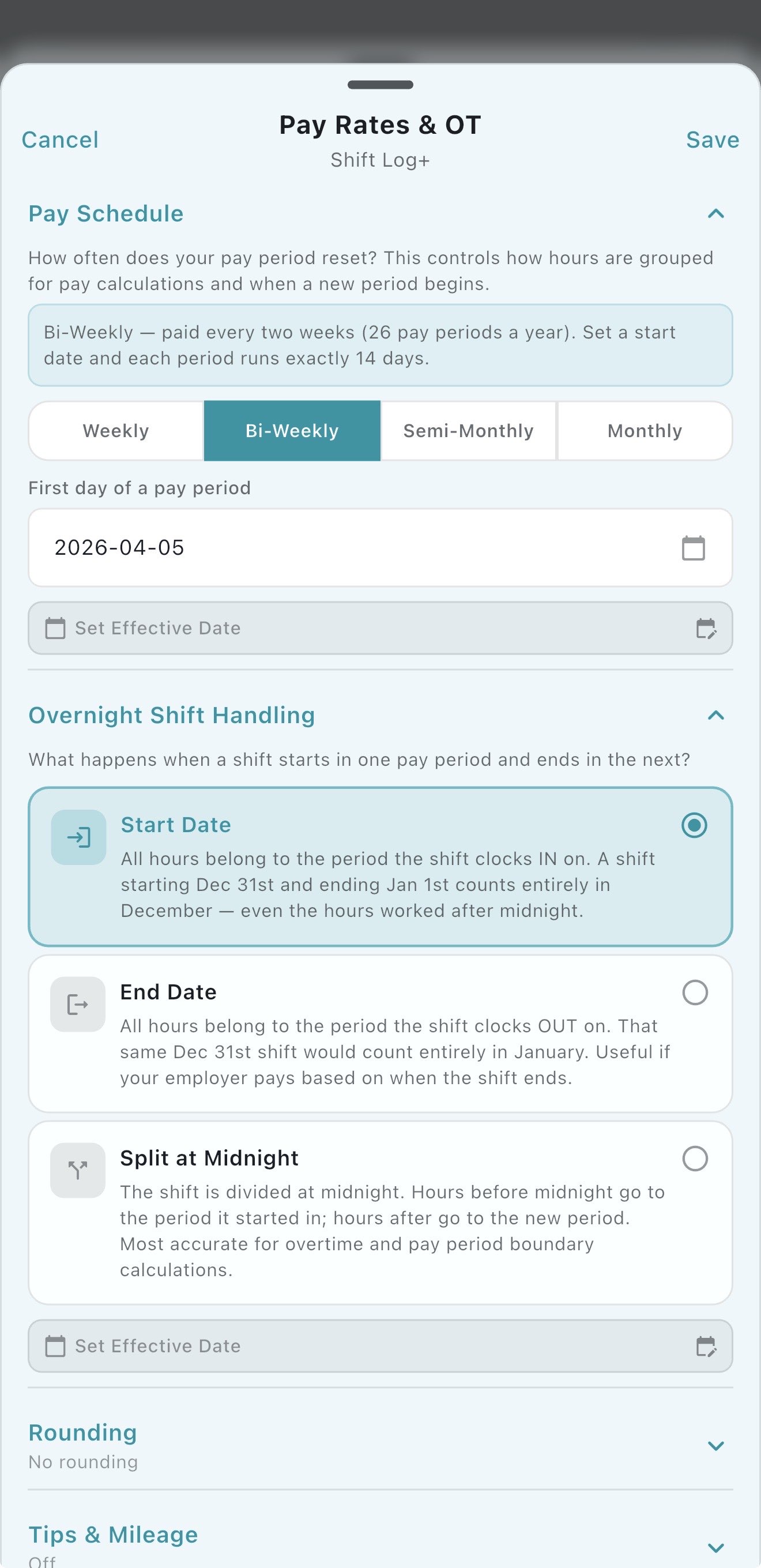
Shift Log+ handles any schedule — rotating shifts, overnight hours, split shifts, and irregular schedules. Clock in with one tap and the app tracks everything accurately, even across midnight.
Forget to clock in? No problem — add or edit shifts manually any time. Your history stays accurate no matter what.
Calculate Hourly Pay
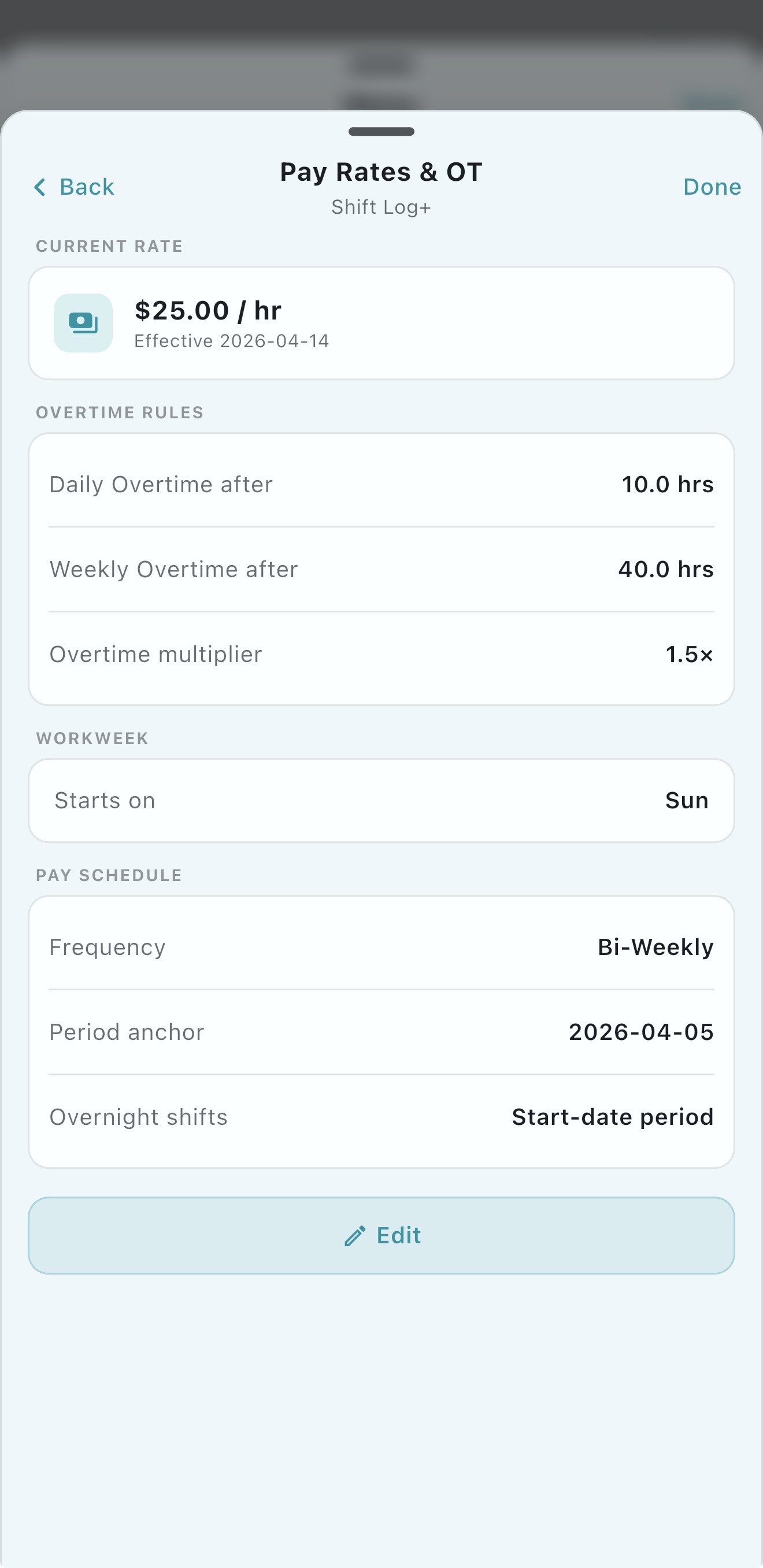
Set your hourly rate once and Shift Log+ calculates your exact earnings after every shift — regular time, overtime at 1.5x, and double time at 2x. Every rate and threshold is set by you.
Example: Your rate is $22/hr. You work a 10-hour shift. Shift Log+ calculates 8 regular hours ($176) + 2 overtime hours ($66) = $242 for that shift. No math needed.
Everything a Work Hours Tracker Should Do
Simple to use. Built specifically for hourly and shift workers.
- ✓ Live clock-in timer with break tracking
- ✓ Full history of every shift you've worked
- ✓ Running time card total updated after every shift
- ✓ Weekly, biweekly, and custom pay period support
- ✓ Overnight and rotating shift support
- ✓ Edit shifts manually if you forget to clock in
- ✓ Hourly pay calculated automatically per shift
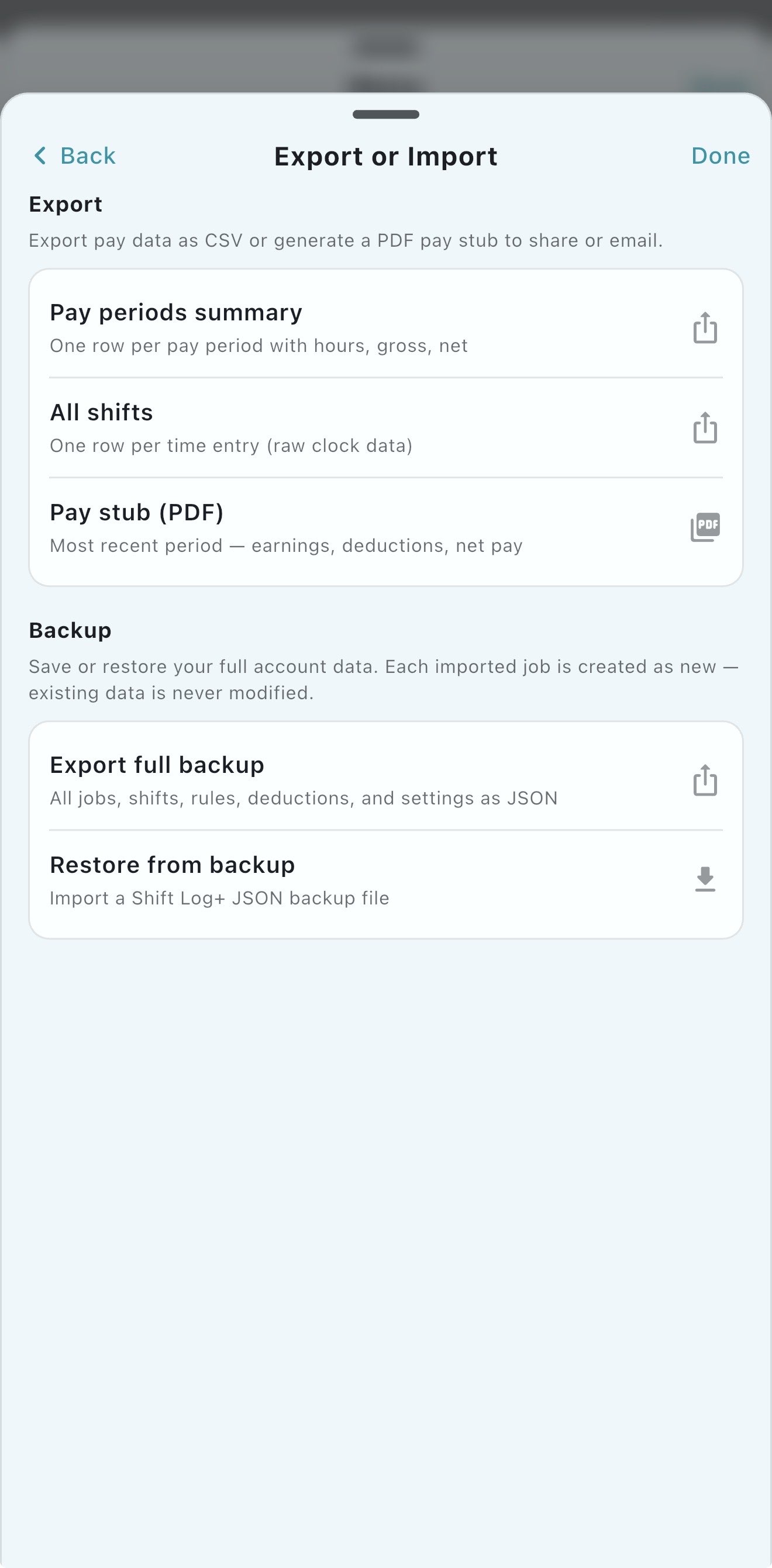
- ✓ Export your hours to share with your employer
- ✓ Works fully offline — no internet needed
Prove Your Hours Anytime
Dispute a paycheck? Need to submit your hours to HR? Export your complete hours history directly from the app — every shift, every day, with exact times and totals.
More Features
Shift Log+ does more than track hours.
Overtime Calculator
Automatically calculate daily OT, weekly OT, and double time on every shift.
Shift Log App
Keep a private record of every shift, break, overtime hour, and paycheck estimate.
Paycheck Calculator
Know exactly what your paycheck will be before payday.
Hourly Pay Calculator
Calculate your exact earnings per shift based on your hourly rate.
Track Multiple Jobs
Manage hours and pay across two or more employers in one app.
The Work Hours Tracker Built for Real Workers
45-day free trial. No credit card required. Works offline.
Home · Pricing · All Features